The 14 tools people put next to MiniCut, sorted by what they actually do
Search for a short drama tool and you get a list where a video editor, a talking-head generator, a consumer streaming app and an actual drama generator all sit in the same ranking, because they all have the words AI and video attached to them. They do completely different jobs and picking the wrong kind wastes a week.
Below are the 14 names that come up next to ours, grouped by the job each one is built for. Every price is one we read on the company's own pricing page, with the date we read it. Ten of the 14 publish no price at all, and this post says so rather than filling the gap with a number.
They are doing four different jobs
A generator writes and shoots something that did not exist. An editor arranges footage you already have. An avatar tool makes one person talk to camera. A streaming app is where a finished drama gets watched, and it does not make anything at all.
That last group matters because two of the biggest names in short drama, ReelShort and DramaBox, are apps you watch on. People searching for them want an episode tonight, not a tool. If a round-up lists them beside a generator without saying which is which, it is padding the list.
| What it is for | The names in this group | What you get out of it |
|---|---|---|
| Making a serialized drama | MiniCut, OpenArt Director, Pippit, Jellyfish AI Short Drama Studio | A script, a cast, and shots that carry one story across episodes |
| Making video clips in general | Higgsfield, Runway, Pika, Luma Dream Machine | Single shots from a prompt or a picture, no story layer |
| Making one person talk to camera | HeyGen, Synthesia | A presenter reading a script. Built for training and sales video |
| Cutting and assembling | CapCut, InVideo, Fliki | A timeline for footage you already have |
| Watching, not making | ReelShort, DramaBox | Finished episodes to watch. These are not tools |
Grouped from what each company says about itself on its own site, read between August 11 and August 16, 2026.
Try generating with H3 Max TurboOnly four of the fourteen publish a price
This is the part every round-up gets wrong. Most of these companies do not put a number on a public page, so any list that shows a price for all of them has invented most of it. Here are the four that do, exactly as their own pages had it on the day we looked.
One warning before you use this to compare. A credit is not the same size on two platforms. Four thousand credits somewhere the cheapest video action costs 80 credits is fifty video actions, and 270 credits somewhere a shot costs three is ninety. Dividing the monthly price by the credit count and calling the smaller number cheaper is the mistake, and it is the mistake every comparison table on the internet makes.
| Company | Cheapest paid plan | What that plan includes | Read on |
|---|---|---|---|
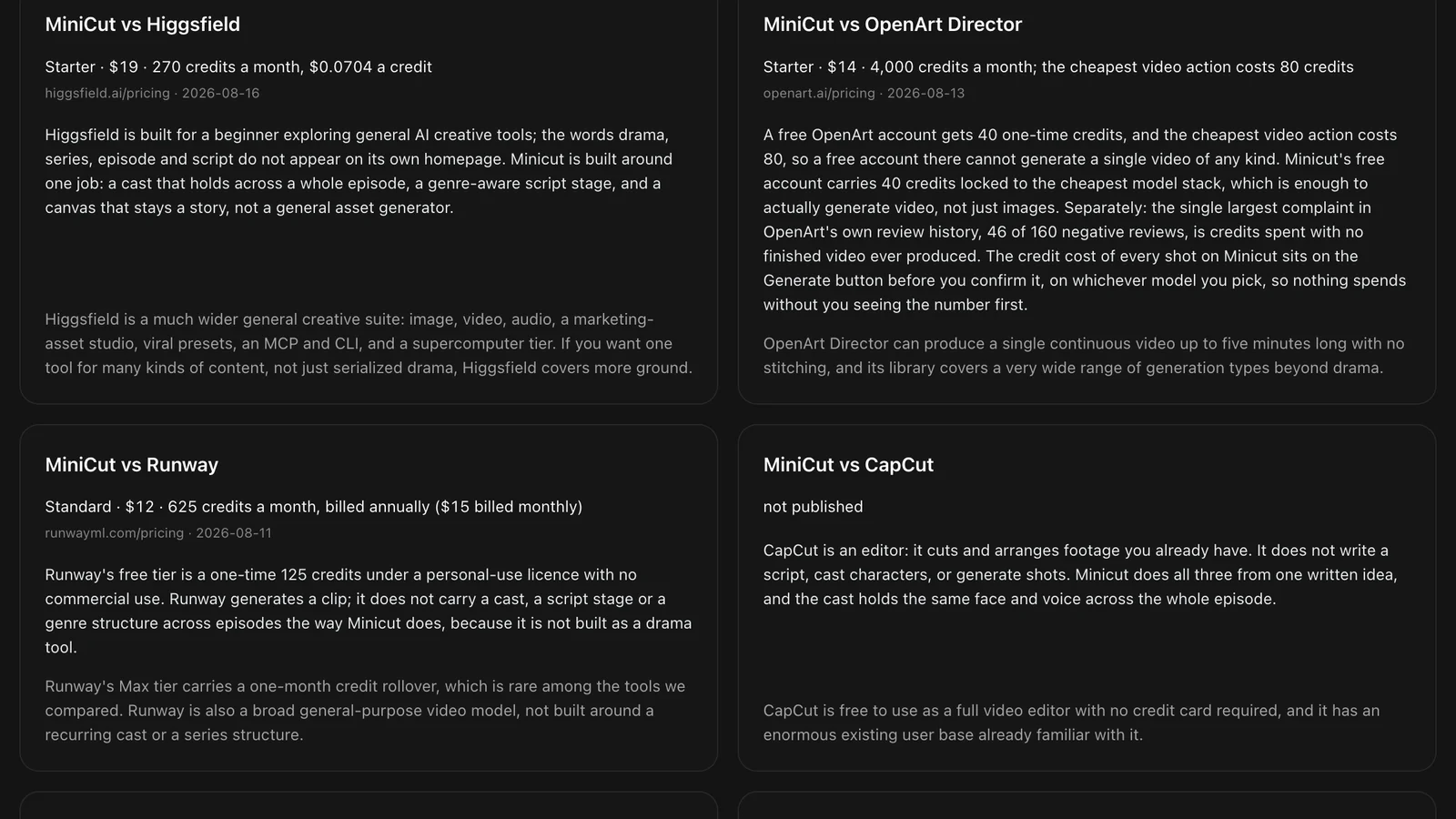
| Runway | $12 a month, billed annually ($15 monthly) | 625 credits a month | August 11, 2026 |
| OpenArt Director | $14 a month | 4,000 credits a month, cheapest video action 80 credits | August 13, 2026 |
| MiniCut | $16 a month | 350 credits a month | live in config |
| Higgsfield | $19 a month | 270 credits a month | August 16, 2026 |
| The other ten | does not publish it | nothing on a public page to quote | checked August 2026 |
Each price came off that company's own pricing page on the date shown. Nothing here is a number from a review site or a blog post about them.
Where each of the close ones beats us
A round-up where one tool sweeps every row is an advertisement. These are the real reasons somebody picks one of the others, and they are the reasons we would give a friend.
Higgsfield covers far more ground than we do: image, video, audio, a marketing-asset studio, presets, a command-line tool and a heavy compute tier. If you want one tool for many kinds of content rather than serialized drama, that breadth is worth more than anything we offer.
Runway is the older, steadier piece of software with a professional editing history behind it. CapCut is free with no card and hundreds of millions of people already know how to use it. HeyGen and Synthesia are far better than us at one presenter reading a script to camera, which is a real job and not one we do.
What none of them does is hold one cast through a whole episode and then through the next episode. That is the single thing this product is built around, and it is why the comparison is worth making at all.
How to pick in about a minute
Ask what you are actually making. If it is one clip, a general video generator is faster and you do not need a story layer. If it is a person talking, an avatar tool wins. If you already shot the footage, you want an editor.
If it is an episode with characters who come back, you need three things a general generator does not have: a script stage that knows the genre, a cast that stays the same face across every shot, and a place to keep both so episode four can reuse what episode one built. That is the whole test.
And whichever you pick, check where the price is shown. A tool that tells you what a generation costs before you confirm it is a different experience from one that shows you a balance afterwards.

Free to start
40 credits when you sign up
40 free credits, yours for 14 days. Go make something great.
- SOTA models
- Infinite canvas
- Director stage
- MCP access
Got questions left?
Why do ten of these not publish a price?
Some are sold through a sales conversation, some sell inside the app rather than on a pricing page, and some are consumer apps with in-app purchases instead of plans. We mark them as not publishing it rather than quoting a figure from a review site, because a number nobody read on the company's own page is a guess.
Is ReelShort a competitor to MiniCut?
No. ReelShort and DramaBox are apps for watching short dramas. They are where a finished episode gets an audience, not where one gets made. They appear in this list because people searching for short drama find all of us at once, and it is worth saying plainly which is which.
Which one is cheapest?
That question has no honest answer from a monthly price, because a credit is a different size on every platform. The comparable number is what one generation costs, and most of these companies do not publish enough to work it out. Compare what each tool does first, then run the same shot on the two you shortlisted.