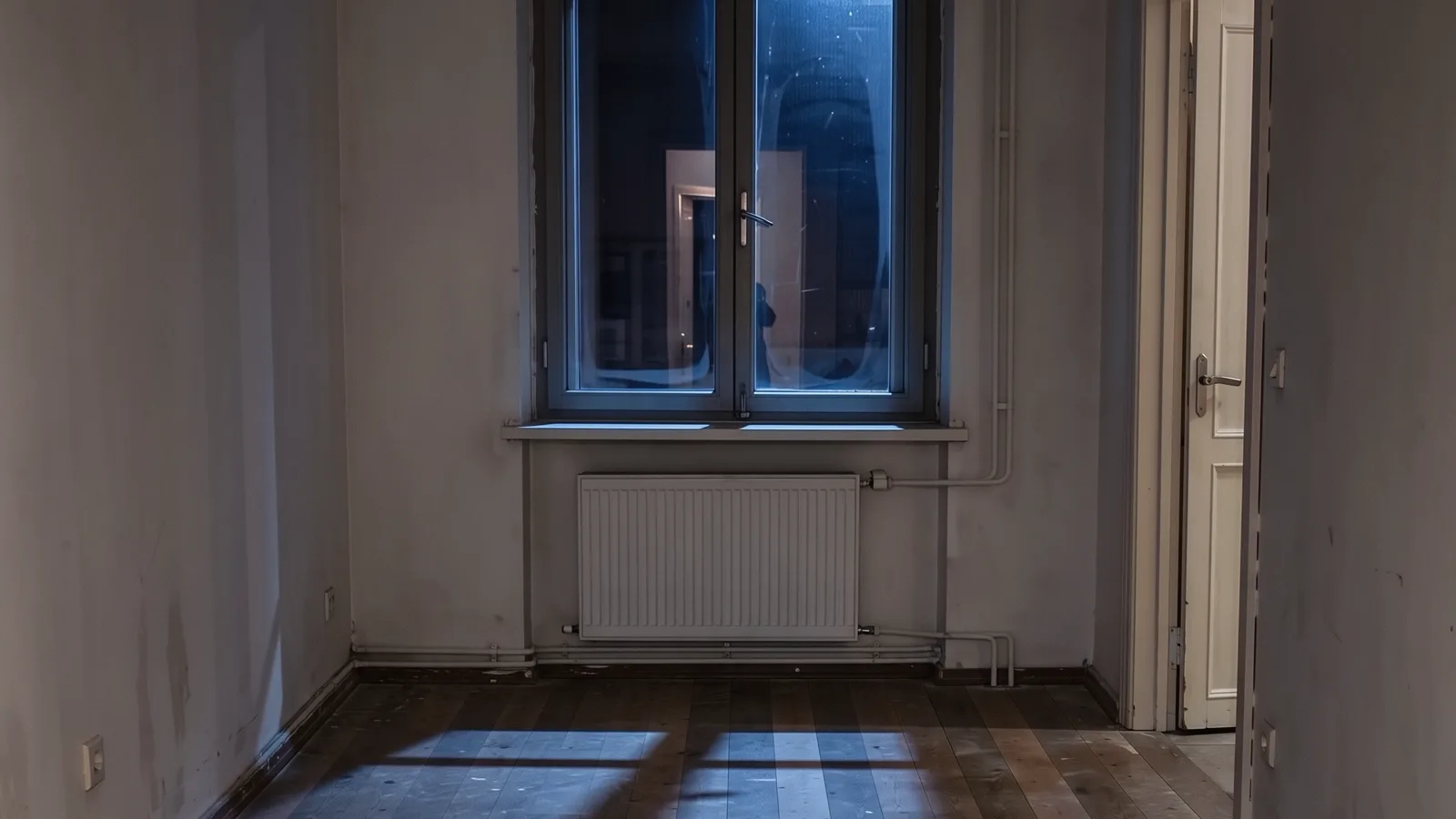
Ideogram 4.5: change one picture, guide it with four more
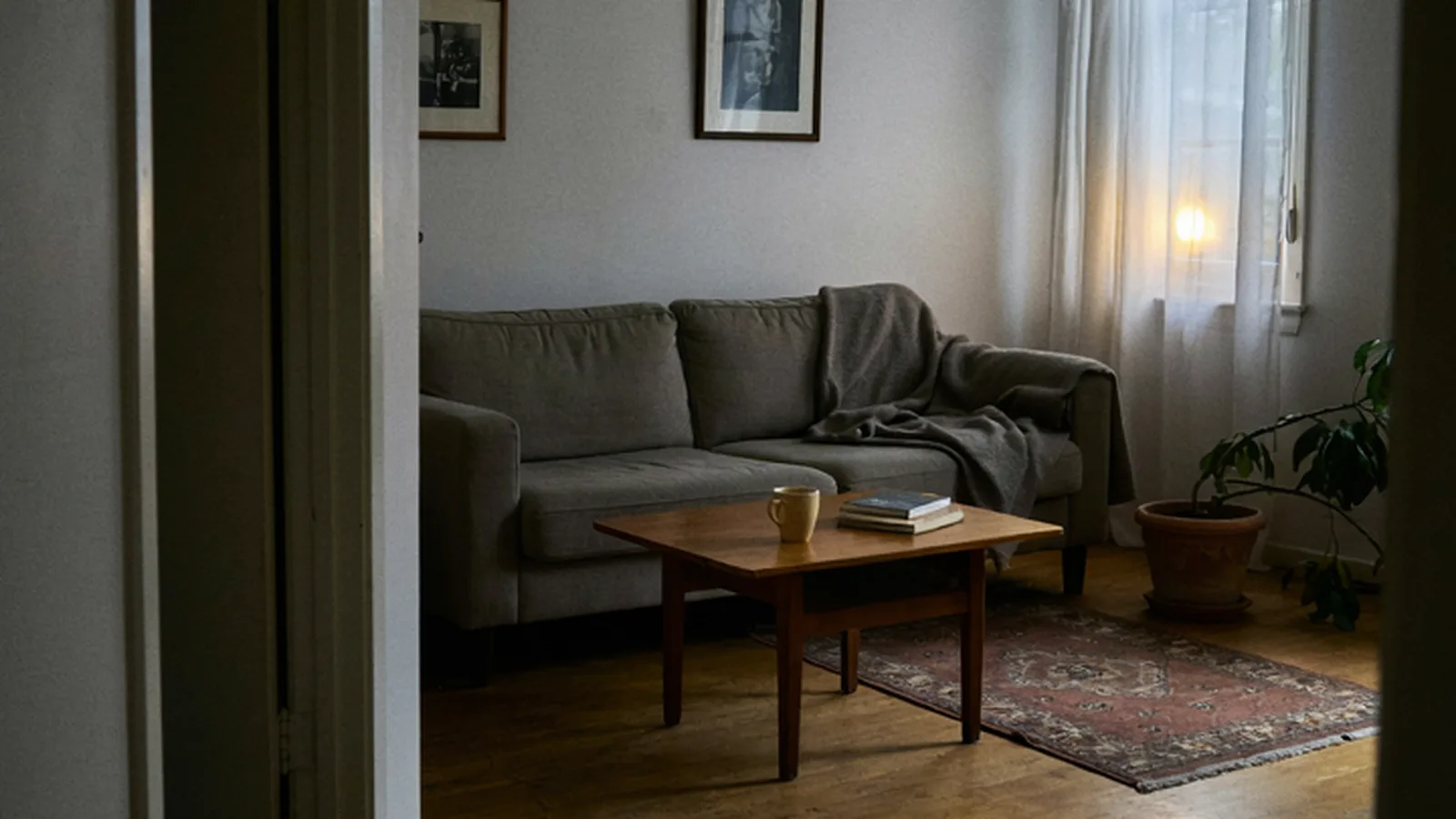
Ideogram released 4.5 on September 30 and it is on the picker now, on every paid plan. From words alone it draws a new picture. Connect pictures and it edits instead: the first picture is the one it changes, and up to four more guide it.
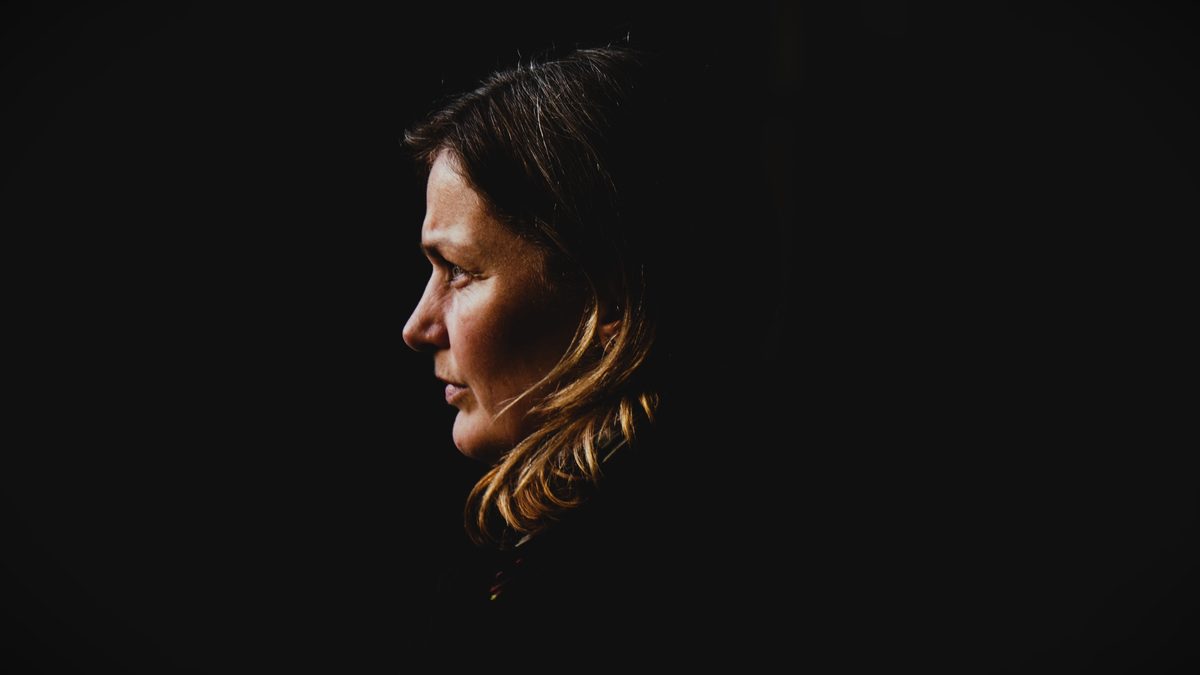
We checked it against fal’s bill before writing this: a picture from words at Standard billed $0.06, the 2.1 credits on the button, to the cent. The picture at the top of this post is that one, cropped and nothing else.
Editing
Wire order decides which picture is changed. On the box the first one is marked Source, and holding the pointer over it says so. The rest go along as guides, up to four.
An edit comes back in steps of 32 pixels, because that is what Ideogram takes, so a 9:16 edit comes back 736 by 1280.
Pricing
Quality sets the price and size does not. One press can make up to eight pictures, each at the price of one.
| Quality | Credits for one picture |
|---|---|
| Low | 1.05 |
| Standard | 2.1 |
| High | 7.7 |
A new box starts at Standard. The number sits on the Generate button before you press it.
Limits
Two things fal publishes for this model are not on the box yet: a mask, and Precise Edit. Ideogram reads a mask the opposite way from other models, and fal has not published a price for Precise Edit.
Free to start
Free credits on us
Sign up to activate and go make something great.
- SOTA models
- Infinite canvas
- Director stage
- MCP access
Got questions left?
Which picture does Ideogram 4.5 change?
The first one connected to the box, marked Source. The others guide it, up to four.
Does a bigger picture cost more?
No. Ideogram prices by quality alone: 1.05, 2.1 or 7.7 credits whatever the size.
How many pictures can one press make?
Up to eight, each at the price of one. Two at Standard is 4.2 credits.