Meshy V7.1 is on the board: one to four photographs in, a 3D model that stands on the set
The 3D Scene Composer has been here a while. You stand figures and props on a set, point a camera at them and record the shot. Until today the only way to get an object onto that set was to upload a 3D file you already had, or to ask the agent to write the code that builds one. Meshy V7.1 makes one. Photograph a chair from four angles, wire the pictures into a 3D box, press Generate, and the chair stands on the set.
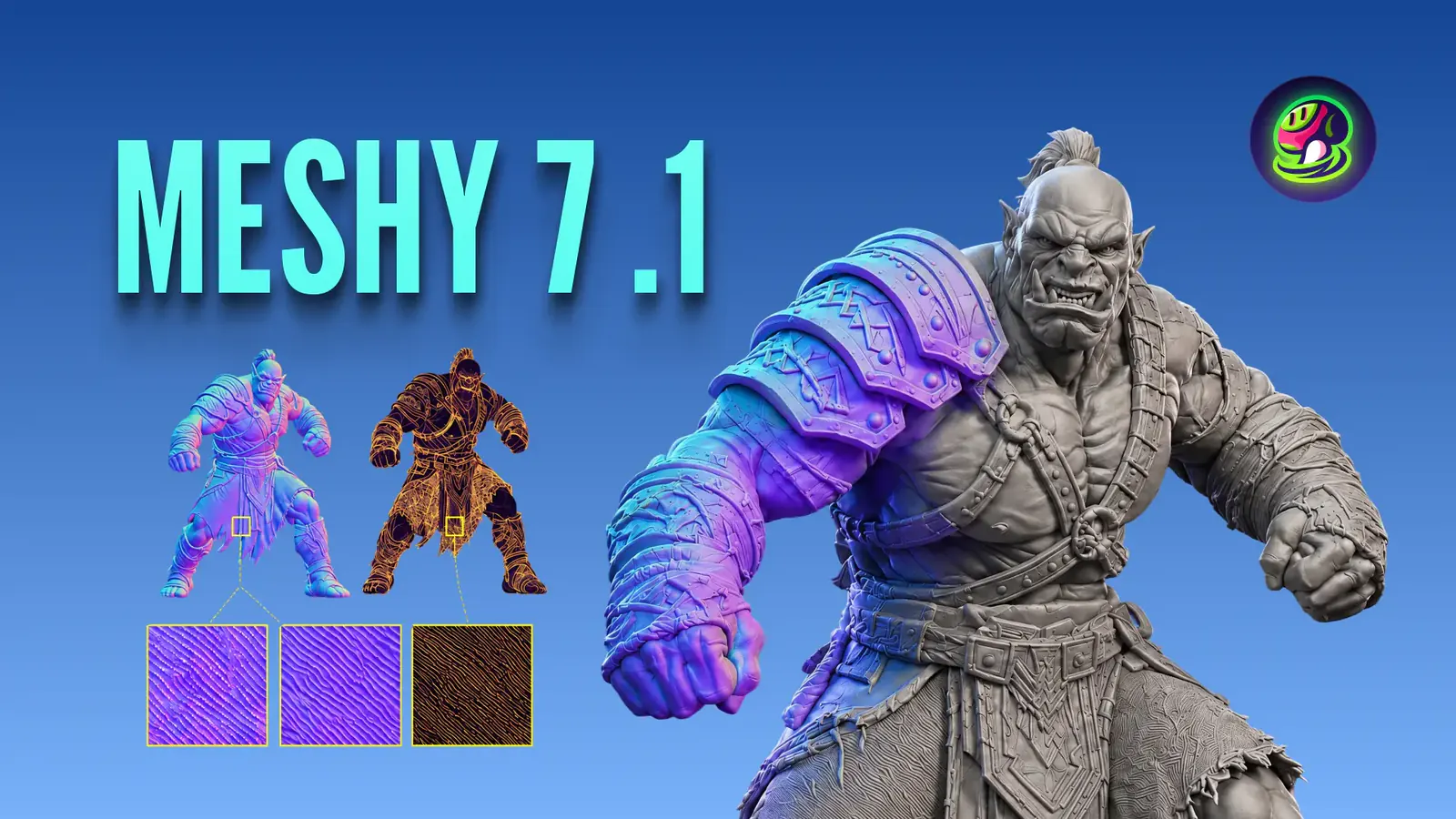
A textured model is 42 credits. Rig it as a poseable character and it is 49. We bought one before writing this: one photograph of a single object, textured and rigged, and fal charged $1.4000 against the 49 credits the button had quoted. The file came back measuring 1.70 metres tall, which is the size the real thing is, so it lands on the set at the right scale instead of the wrong one. The picture at the top of this post is Meshy’s own launch card for V7.1, off their announcement.
Words, one photograph, or four of the same object
There are three ways into the box and they all cost the same. Type a description and nothing else. Wire in one photograph. Or wire in two, three or four photographs of the same object from different angles, which is the one to use when you care what the back of the thing looks like, because otherwise it is guessed.
Four pictures cost exactly what one costs, and that is Meshy’s own published price rather than a thing we measured: their pricing sentence does not mention the picture count at all. The one call we have paid for went through the ONE-picture door, textured and rigged, and fal charged $1.4000. The four-picture door has never been billed to us, so its price is their word and not our measurement.
| What you wire in | What you get | Credits |
|---|---|---|
| Nothing, just words | A model built from your description | 42 |
| One photograph | A model of that object, back guessed | 42 |
| Two to four photographs | A model of that object, back seen | 42 |
All three are the same model and the same price. The credits are on the Generate button before you press it.
Try generating with H3 Max TurboThree switches, and each one moves the number on the button
Most models here have a price that moves with length or with size. This one has a price that moves with what you ask it to do to the model after the shape is built. Surfaces and colour, a skeleton, and a movement playing on that skeleton. Each one is a switch in the box, and the number on the Generate button changes the moment you press it.
The bill agrees. Textures are on by default, so an untouched box is 42 credits. We turned rigging on, the button went to 49, and fal went from $1.20 to $1.40 for the same call. That is the whole reason the switches are typed into the price rather than left as ordinary settings: a switch that costs money has to be able to say so before you press.
| What you switch on | What it adds to the file | Credits |
|---|---|---|
| Nothing. Textures off | A grey shape with no colour on it | 28 |
| Textures. This is the default | Colour and surface | 42 |
| Textures and rigging | A skeleton, so it can be posed | 49 |
| Textures, rigging and a movement | One of 697 built-in movements playing | 53.2 |
Measured, not published: rigging took our real bill from $1.20 to $1.40 on 2026-09-21.
The model goes onto the set, and it stays where you put it
Draw a wire from the 3D box to a 3D Scene Composer and the model walks onto the set. It shows up in the object list with its name, the handles move it, and you can turn it and scale it like anything else standing there. Reload the page and it is exactly where you left it, because its place is stored rather than worked out fresh each time.
Cut the wire and it leaves the set. The file stays in your library. Press Generate again on the same box and the new file takes the old one’s place, keeping the position, the rotation and the scale you already set, which means you can keep asking for a better chair without standing it up again every time.
What Meshy says 7.1 changed
Their own announcement, published September 10, 2026, puts the whole release on one thing: how much detail ends up in the shape itself rather than painted on the surface. Armour carrying its engraving, a dragon carrying its scales. They scaled the resolution the shape is generated at from 2048 cubed to 4096 cubed, and say a raw mesh straight out of the model can reach 80 million triangles before anything simplifies it.
They also built the benchmark they measure it with, which is worth saying out loud. On their Detail Richness test they report first place at every render resolution: 53.5% at 1024, 37.4% at 2048 and 23.1% at 4096, against Tripo 3.1, Hunyuan3D 3.1, Rodin 2.5 and Hi3D 3.0. Those are Meshy’s numbers on Meshy’s test. What we can tell you from our side is what we paid and what came back.
The box shows the model, and you can turn it with the mouse
At rest the 3D box draws a still picture of what it made, so a board with twenty of them on it stays quick. Double-click one and that picture becomes the real model, turning slowly, and you can drag to turn it yourself and look at the back. Click anywhere else on the board, or press Escape, and it goes back to the picture.
The file it hands you is a .glb with its colour inside it rather than fetched from somewhere else, which is why the model draws fully coloured the moment it appears instead of arriving grey and filling in.
Free to start
40 credits when you sign up
40 free credits, yours for 14 days. Go make something great.
- SOTA models
- Infinite canvas
- Director stage
- MCP access
Got questions left?
Do four photographs cost more than one?
No. All three ways in are the same 42 credits textured. That comes from Meshy’s own published price, which does not mention the picture count at all, rather than from our bill: the one call we have paid for went through the one-picture door and fal charged $1.4000.
Can it make a character that moves?
Yes. Turn rigging on and it builds a skeleton into the model, which takes it from 42 credits to 49. Turn animation on as well, at 53.2 credits, and one of 697 built-in movements plays on that skeleton.
Where can I use the file it makes?
The 3D Scene Composer, which is the set you stand things on and point a camera at. A 3D file cannot be wired into a shot, an image box or the finished episode, because those all start from a picture and a 3D model is not one. It also downloads, so you can open it in Blender or anywhere else.