H3 Max Insert Video: remake one stretch of a finished clip
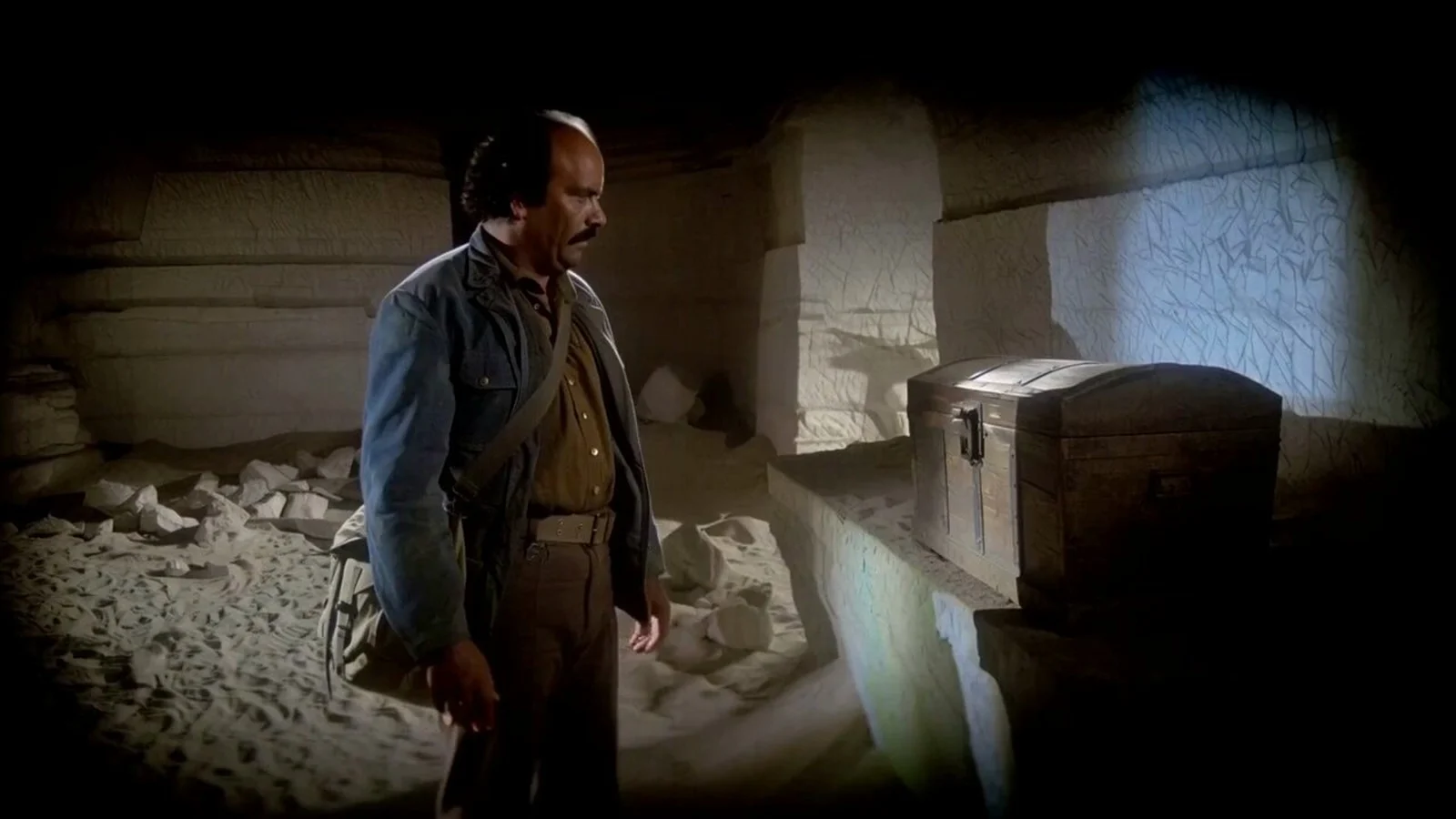
fal published H3 Max Insert Video on September 29, and it is on the board as Segment Remake. You pick a stretch of a clip you already made and say what happens there instead. The whole clip comes back: your footage up to the start, a new scene of 5 to 13 seconds, then your footage again from where you said to resume.
Only the new scene is charged. We bought one before writing this: a 5-second scene at 480p in place of the stretch from 3 to 5 seconds of a 10-second clip. fal charged $0.25, which is 5 seconds at 480p and nothing for the footage around it, and the clip came back 13.04 seconds long. The picture at the top of this post is fal’s own launch picture, off their announcement.
Segment Remake
Click a finished video box on the board and press Segment Remake on the bar above it. A new box appears beside it, already connected to the clip, set to H3 Max Insert Video at 768p and 5 seconds. A strip over the clip carries two handles, the start and the resume. Drag them to the stretch you want gone, write what happens there instead, and press Generate.
The clip you started from is never changed. The remade version lands in the new box, so you can remake the same clip more than once and keep whichever one you like.
Pricing
Charged by the second of new scene, and nothing else. The footage before the start and after the resume costs nothing, however long the clip is. A new box starts at 768p and 5 seconds, which is 10.50 credits.
Pictures and other clips connected to the new box go along as references. fal includes the first 4,096 reference tokens, and anything past that is already in the number on the Generate button before you press it.
| Quality | Credits a second | 5-second scene | 13-second scene |
|---|---|---|---|
| 480p | 1.75 | 8.75 | 22.75 |
| 768p | 2.10 | 10.50 | 27.30 |
The number sits on the Generate button before you press it.
Limits
The clip has to run 4 to 60 seconds. The start has to be at least 1.625 seconds in, and the resume at least 1 second after the start and inside the clip. A box that breaks any of these is refused before any credits move.
The new scene runs 5 to 13 seconds whatever the length of the stretch it replaces, so the clip can come back longer or shorter than it went in.

Free to start
Free credits on us
Sign up to activate and go make something great.
- SOTA models
- Infinite canvas
- Director stage
- MCP access
Got questions left?
Where do I find it?
On the board, on the bar above any finished video box. It needs a clip to work on, so it starts from a clip you already made, not from an empty box.
Am I charged for the part of the clip I keep?
No. Only the seconds of new scene are charged. On our own test fal billed $0.25 for a 5-second scene at 480p, and the 13.04-second clip that came back cost nothing more.
Can a free account use it?
No. A free account is locked to the cheapest models, and on one the Segment Remake button carries an Upgrade link. It is on every paid plan from Entry up.