OpenArt Director alternatives, and the credit maths nobody explains
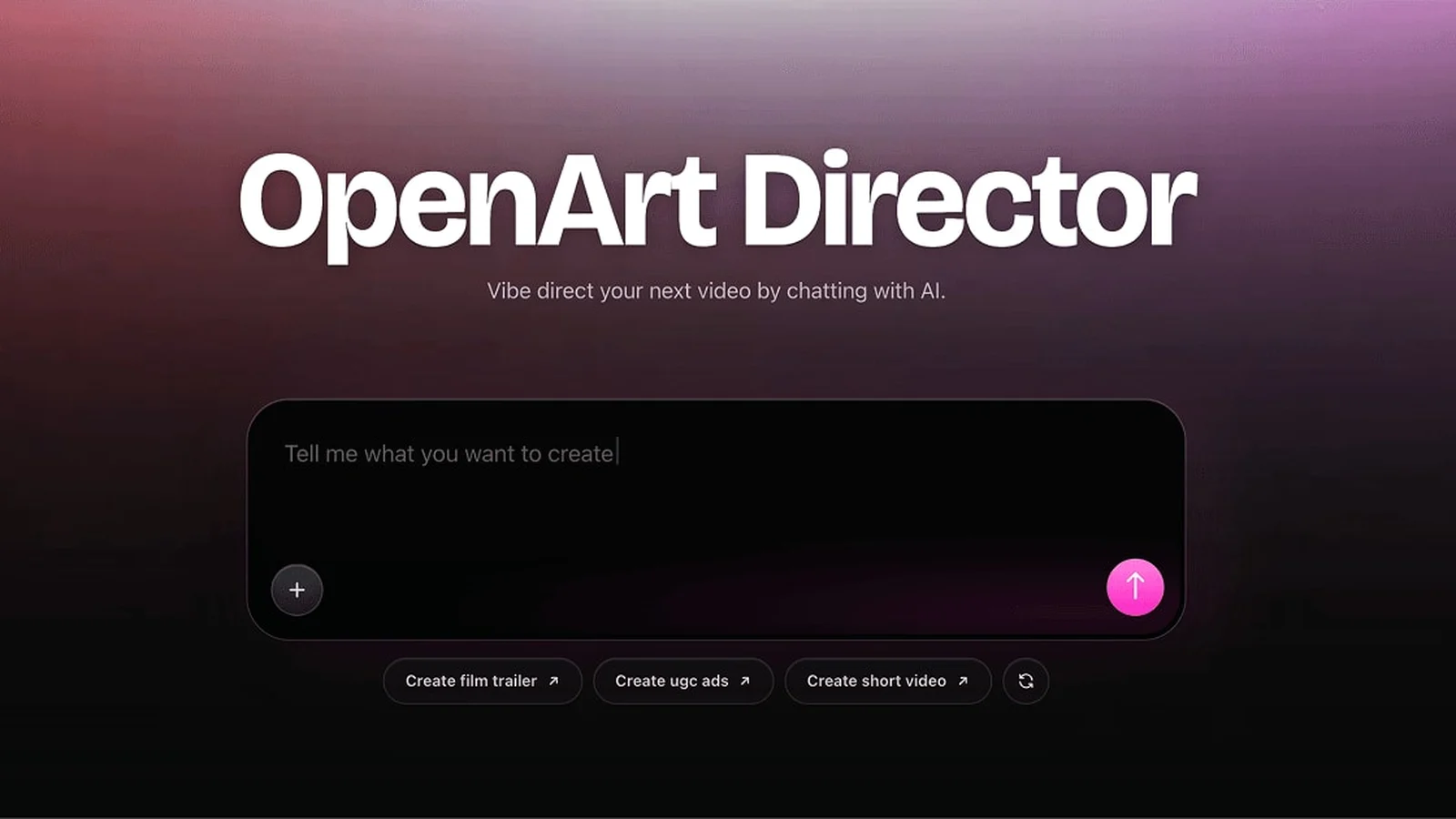
OpenArt Director's cheapest paid plan is $14 a month for 4,000 credits, and its cheapest video action costs 80 credits. Both figures were read on their own pricing page on August 13, 2026. Divide and that plan buys about fifty video actions a month.
That single example is why credit counts cannot be compared across platforms. A big number attached to expensive actions can buy less than a small number attached to cheap ones, and the only figure that means anything is what one generation costs on the model you would actually use.
How to read a credit number in thirty seconds
Find the monthly credit grant. Find the price of the single cheapest thing you would actually run, which for video work is one short shot. Divide. That is how many runs the plan buys, and it is the only number worth putting next to another platform's.
Then check whether the price is visible before you confirm a run. If the cost of a generation is only discoverable by doing it, the plan arithmetic is a guess for the whole month.
| Platform | Cheapest plan | Credits a month | Read on |
|---|---|---|---|
| OpenArt Director | $14 | 4,000, cheapest video action 80 | August 13, 2026 |
| MiniCut | $16 | 350 | live in config |
| Runway | $12 billed annually | 625 | August 11, 2026 |
| Higgsfield | $19 | 270 | August 16, 2026 |
Four numbers that look comparable and are not. Only OpenArt Director publishes both halves, the grant and the price of an action, which is why theirs is the only row you can actually divide.
Try generating with H3 Max TurboWhat Director does that is genuinely good
Director is built around directing by conversation: you talk to it about the video you want and it revises. For people who think out loud rather than filling in fields, that is a real advantage and it is a different way of working from a form.
It also sits inside a much larger image and video product with a long catalogue behind it, so the generation options are broad.
When to pick something else
When the thing you are making is serialized. A conversation is a good way to shape one video. It is a poor way to keep episode seven consistent with episode one, because nothing in a chat log is a reusable character record. If your cast has to come back, you want the cast stored as a thing, not described again each time.
When you want to choose the model per shot. A wide shot and a close-up on a face do not need the same model, and being able to spend a cheap model on the wide and an expensive one on the face is the biggest lever there is on what a series costs.
When you want the price before you press the button rather than a balance afterwards.

Free to start
40 credits when you sign up
40 free credits, yours for 14 days. Go make something great.
- SOTA models
- Infinite canvas
- Director stage
- MCP access
Got questions left?
Is 4,000 credits a month a lot?
It depends entirely on what an action costs, and on their own page the cheapest video action is 80 credits, so that grant is about fifty video actions. A credit count on its own tells you nothing until you know the price of the thing you will run.
Can I move a project from one of these tools to another?
Not as a project. You can move the finished video files and usually the script text, but character references, shot lists and settings do not transfer between platforms. That is worth knowing before you build a series somewhere.
What does MiniCut give you before you pay?
Forty credits, no card. You spend them generation by generation on whatever you run, and the exact cost of each one is on the Generate button before you confirm it.